Week 6 Notes – Study and Understand Text in Video Possibilities
Monday 09/29/2025: Research and understand text possibilities
The goal for this week’s study is to research and test text in videos and how it can be used to create movement and engagement in either the 1-minute Panorama or Title Sequence Animations. So, using The White Lotus Title Sequence as an example where the camera moved across a still image and then highlighted text at a spot where it stopped, here is where I am starting.
Since these initial 1-minute Title Sequence Animations will be made up of 5-Beats each lasting around 8-seconds, these examples are only 10-seconds long. So, this example could be considered one of the 5- Beats in a Title Sequence Animation video.
Now, adding to this first 10-second sequence, I then took the image into Photoshop and created three distinct layers from it to give it a 2.5D effect. The goal would be to help it compliment the text. So, in this video I animated not just the text, I also animated objects -horse, sun, tree- that were near the text.
And since I know my prof likes music added to these videos, in I added a sound bed.
A music sound bed makes so much difference. It is amazing how it brings a video to life.
Below is an example of the Peripheral Title Sequence Animation which is 85 second long. It mostly uses still images with camera movement, 3D effects and with very “simple” text that has a strong visual impact. This is similar to the Shogun Title Sequence opening which also uses simple text but strong visual movements. And actually similar to The White Lotus Title Sequence Animation which -though panning along a single image- also uses very simple text which is the same style and font size throughout.
Now, an interesting difference between the Peripheral Title Sequence, the Shogun Title Sequence and The White Lotus Title Sequences is the Peripheral uses a fast-paced sequence of many short individual images for movement and text, Shogun uses the more longer flowing effect over just a few images and The White Lotus uses a single image (for the most part) . Interesting to note the effect and impact of each style. The commonality is that all three are using “simple” text throughout the video. Interesting.
I could easily see any one of these styles being use for 1-minute Endangered Species Title Sequence Animations considering the dramatic effect it creates. And I like that all three are based on “art” images for the most part.
This would be fun to discuss on Friday about what works, what doesn’t work, and what could work.
One observation I have made in looking at these three Title Sequence Animation Videos (Shogun, The Peripheral and The White Lotus) is that I think text is going to play a much bigger role in the Panorama videos -since there is much less animation in those videos- then in the Title Sequence Animations – which are based on lots of animation. But, I could be wrong about that and am certainly willing to be corrected.
But, it is certainly a topic that would be fun to discuss.
Tomorrow, instead of using a single image to pan around, I think I will try to emulate the Peripheral Title Sequence Animation video and string 3-4 images together like the Peripheral video does and adding movement and a word to each of the images. Maybe -if I am bold- I will try stringing 5 images together to replicate the 5-Beat format for the ultimate videos. And, in addition trying different ways to use text in each of the 5 individual images.
This could be fun (or frustrating : )
Tuesday 09/30/2025: Trying a 5-Beat 5 image video model with text.
So, to start this, I decided I would try it with video clips instead of images. Tomorrow I will try it with 5 unique images.
Since I was going to use video, I went to Adobe Firefly and created 5 short -5 second- video clips so there would be consistency in the clips since it let’s you use a reference image. Five second is the longest clip you can create in Firefly even though it shows a 10 second option.
Once I created the 5 clips -for the 5-Beats- I brought them into After Effects and I time-stretched them to 9 second each for the 45 second of video I would need for a 1-minute Title Sequence Animation. Then I created my timeline and started playing around with movement and text. I like how it turned out, but I think using still images will -ironically- give me more control of the movement in the video. The videos used here were created at 540×960 and they could be expanded, however, I think it would be easier (?) or more interesting to start with a larger image like in some of the Title Sequence Animations I have posted like the Shogun or the Peripheral Title Sequence which use pans around larger images to get the effect of movement.
And of course I had to add audio for my professor. And in doing so in the video I think I realized that there is a “fourth” element besides camera movement, text and subject movement that creates a sense of movement and that is the audio. In this clip, when the music beat falls on the video change it creates a sense of movement, or it enhances the movement. So, it will be interesting to see how music can play and integral part of the visual engagement in both a 1-minute Panorama video and a 1-minute Title Sequence Animation.
Audio does makes a difference when it comes to a videos “movement.”
Tomorrow, I will try this with still images and see if I am correct in that it will give me more flexibility for movement around the screen.
Wednesday 10/01/2025: Trying a 5-Beat 5 image video model with images.
Well, this video took quite a bit longer than I thought it would to create the images, then create the videos from the images and then put them all together in After Effects. This was a good exercise in trying techniques for movement, but I still have to add text, transitions, audio, etc.
However, I think tomorrow I am going The White Lotus and try to find -or create- a single image I can pan around on that would make sense as a Title Sequence Animation. Again, this video was good for experimenting, and it might make a solid Title Sequence, but I want to understand the single image -The White Lotus- effect, so I am going to try that tomorrow – as well as finish this one.
Here is today’s effort:
Thursday 10/02/2025: Trying the 5-Beat model with a single image
But first, here is the previous video with audio and some tweaks on the transitions. I didn’t include text yet as I like to discuss that before I do starting with a “blank” canvas.
Now on to a single image that works for Title Sequence Animations The White Lotus style. So, first lest examine that image just a bit
In reviewing it, it is not actually a “single” image, but similar images in sequence with a variety of moments on each of the images.
First image: pans in towards the couple, but rather than pan in all the way, it jump cuts to the couple and then does an abrupt pan to the right to show the woman to the right, and then pans and then pans up to a monkey. These were all on the same image and lasted around 9 seconds before switching to a new -similar in style- image.
So essentially this whole title sequence is made up of panning, zooming and jump cutting and varying these three techniques. And within each of these elements it adds text. It never starts with text, it moves to text. So, it seems the idea here is to be able to have the necessary images that are all in the same style or represent the same theme -in this case The White Lotus series theme. So, how can this translate to a Title Sequence Animation on a specific endangered species?
The opening image was 9 seconds which is perfect for 1-Beat of the 5-Beat concept as 5 images at 9 seconds would be 45 seconds and would leave 15 seconds for open and close. We have discussed this previously. So, that means having 5 images that are closely related in style and theme to work with.
Off to Photoshop, since Photoshop’s ability to create a 60 image single package using the same “reference” image and styling is the best I have found so far.
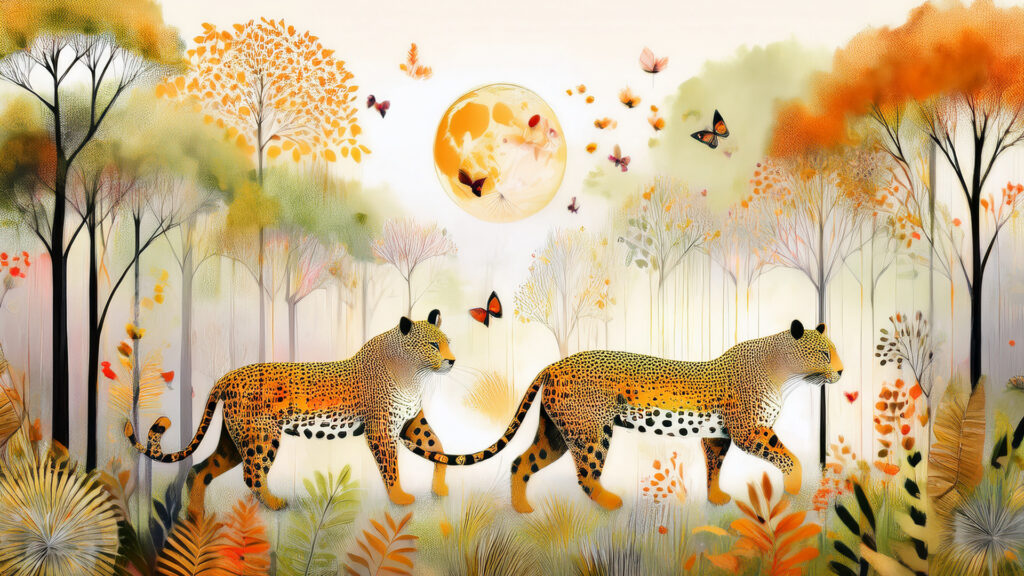
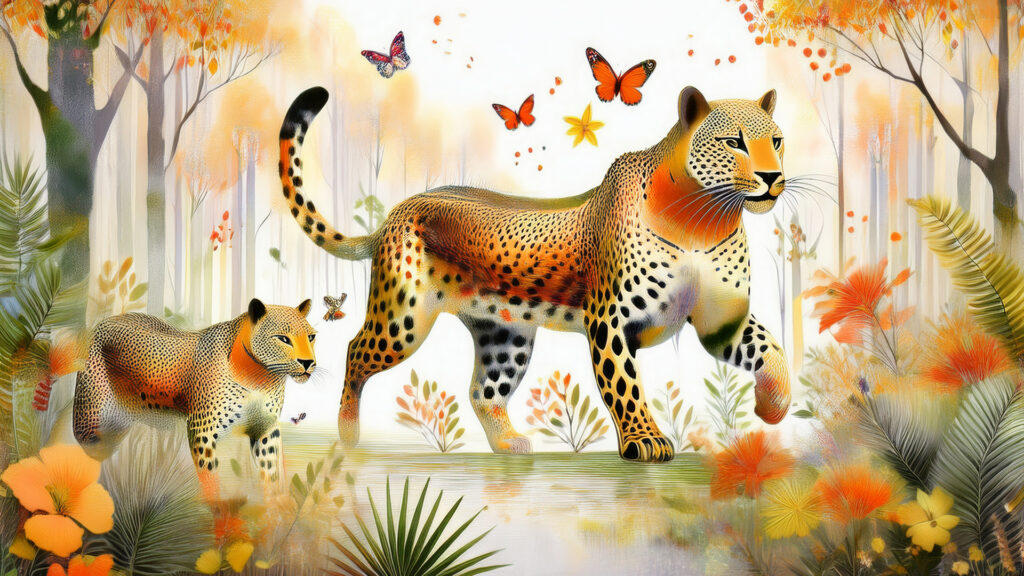
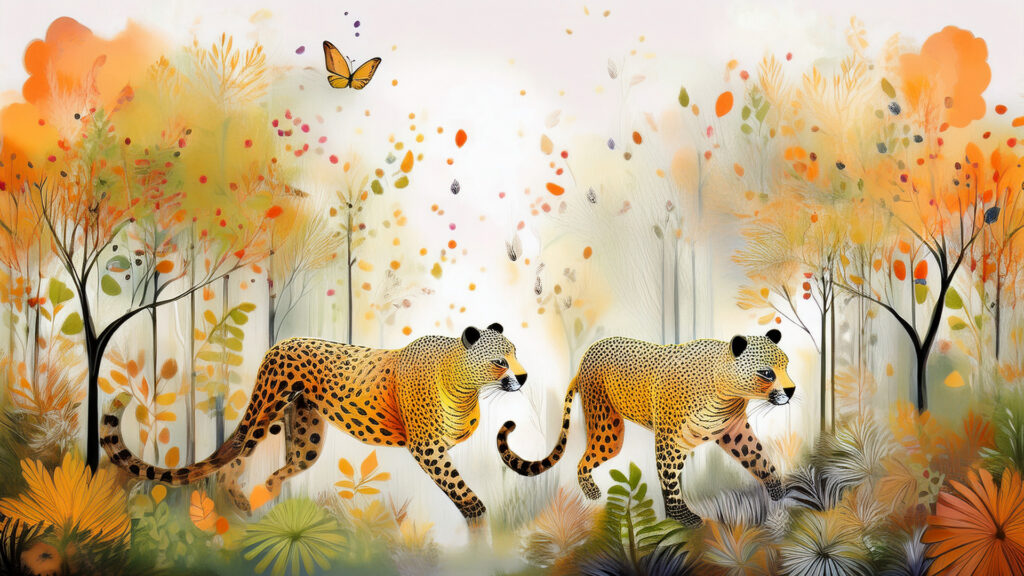
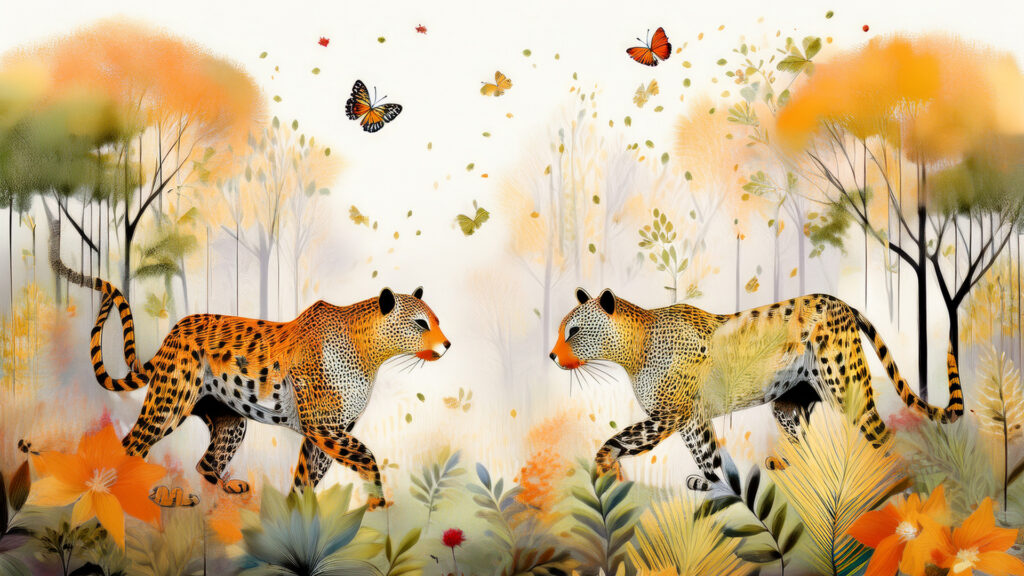
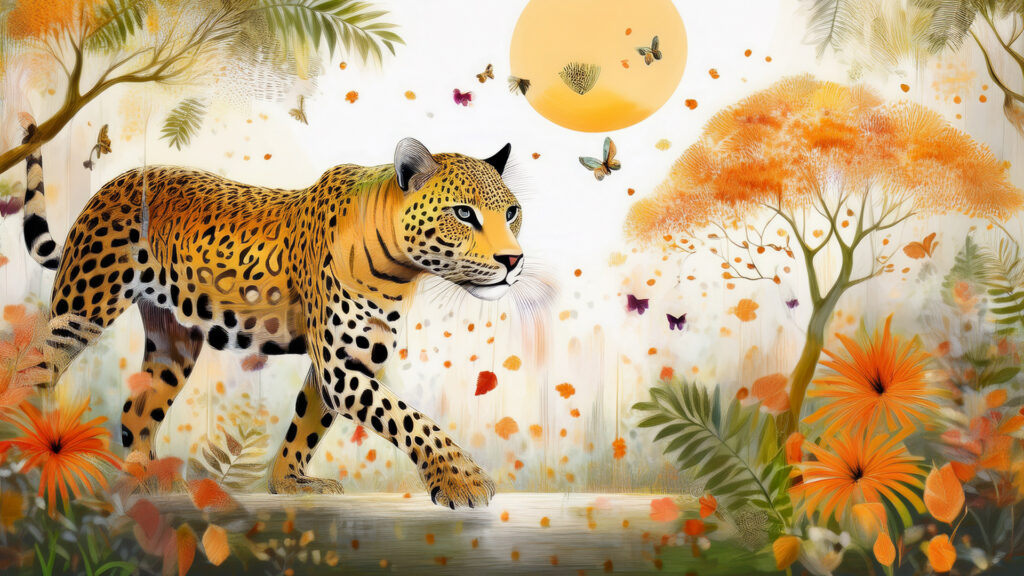
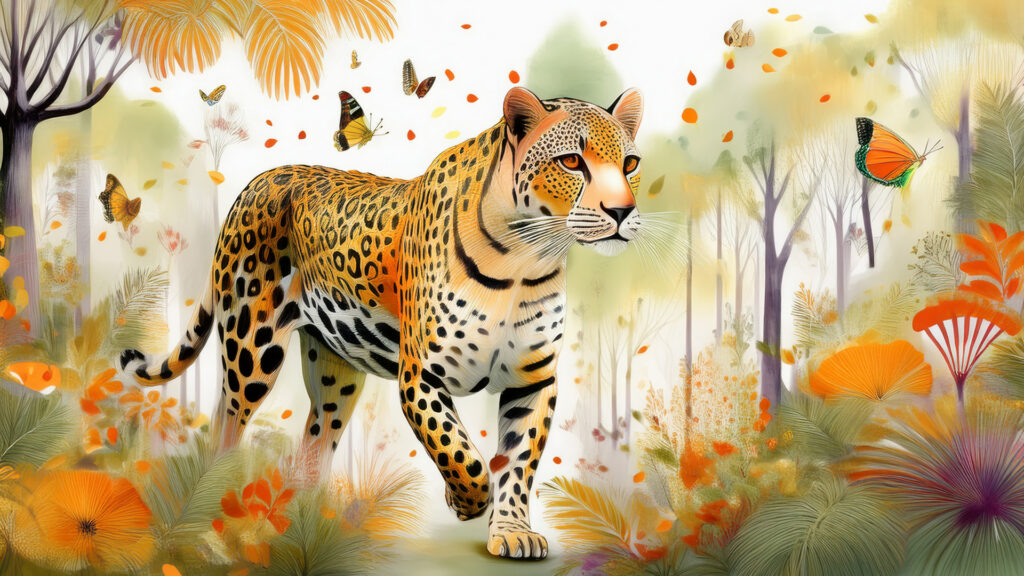
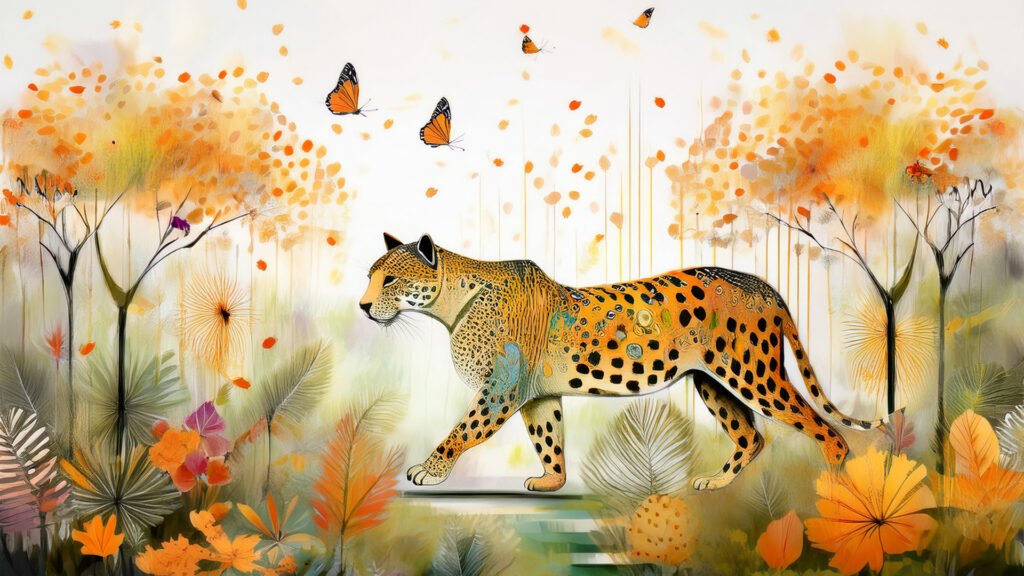
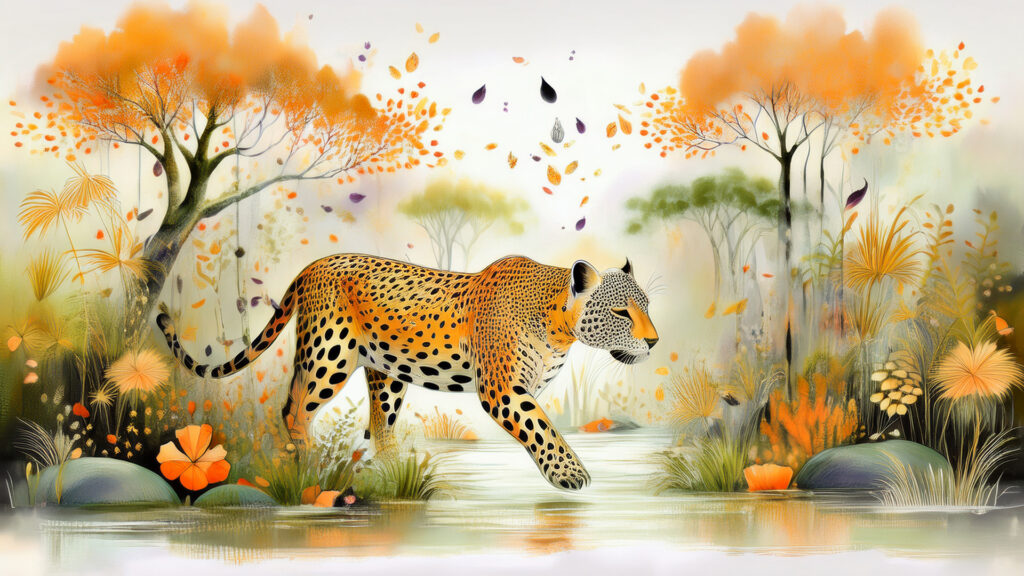

Here is the series of images I created in Photoshop for the video “leopard love” : )
And here is the video. It doesn’t have all the transitions The White Lotus does, but it does use ONLY still images for zooming and panning with text. More transitions or movement could probably added, but this is the starting point for discussion.
And just for the heck of it at the end of the evening as I wanted to practice my Puppet Tool and movement in a still image I created the short Leopard and Butterflies video : )
And that is today’s effort. Looking forward to discussing this week’s work tomorrow.