Week 5 Notes – Study and Understand Camera Movement in After Effects
Monday 09/22/2025: Camera movement in After Effects
This week -as assigned- I am working on camera movement in After Effects. However, before I go there I want to point to two -video- things I was engage in over the weekend. First, was the creation of six social media videos for the Amazon Aid River of Gold Curriculum where the videos promoted each of the six lessons. The client wanted the videos to be portrait style, 20 seconds long and use the cover image for the lesson.
Here is a sample of one of the videos on The Biodiversity of the Amazon:
Here is one on The Hydrological Cycle of the Amazon:
And here is one on Indigenous Communities of the Amazon:
These are quite short -their call- but I think I got a lot of info in with some nice visuals. I will be interested in feedback on these.
The other thing I “discovered” was Microsoft’s Copilot labs which allows you to take an image and turn it into a full 3D model which is just nuts!!! Just as nuts as being able to turn an image into a video in Sora.
So, wanting to have animal movement in the videos I thought I would test it out. It creates AMAZING 3D models, however, in order to get the animal parts to move, it has to be brought into a 3D modeling program such as Blender for rigging. Which, from what I understand is a fairly complicated process. Adobe After Effects is supposed to be creating the ability to craft movement from a 3D model in their Beta version, however I didn’t download that yet so I don’t know.
I did bring the 3D model into After Effects and placed it on a panorama background to see if it works. It does. So, I am thinking about creative ways -especially when I start understanding camera movement in After Effects- that I can bring a 3D model in without “limb” movement but being able to move the camera around the model to give the image more impact.
I think this would work especially well -without rigging- in the Title Sequence Animation videos where the camera pans around a subject- without the subject moving. Think Domina where the camera pans around the statue of the woman’s head.
Here is the vaquita porpoise 3D model I created in Copilot:
On to camera movement in After Effects (and yes, I am having WAY too much fun with this).
Tuesday 09/23/2025: Playing with camera movement in After Effects
So, with lots of reading and experimenting, here are some samples of playing with After Effects Camera movement. Most of these were playing with 3D space and not just moving around the screen.
I started with this image of a jaguar cave painting and cleaned it up and layered it in Photoshop.
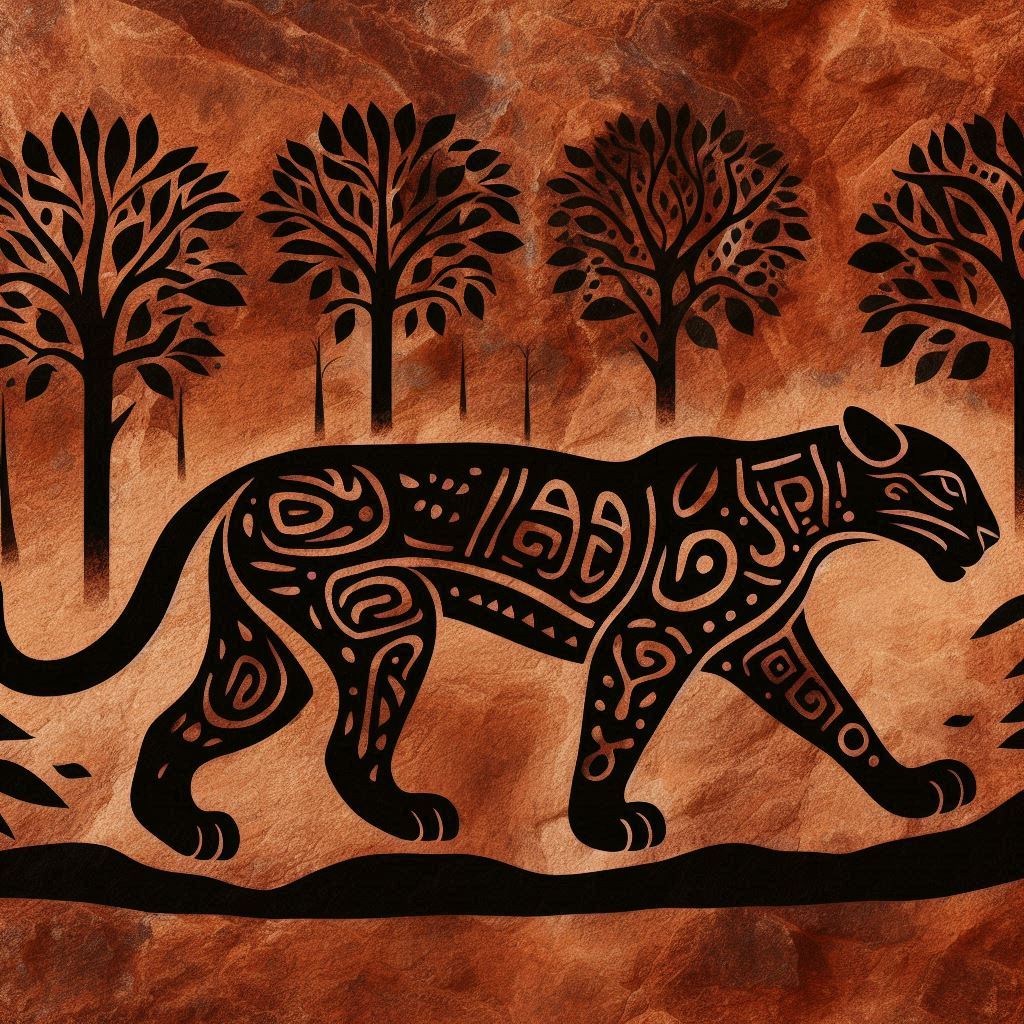
Then I brought the 3 layers into After Effects to play with space. In this video I moved all three layers around in the space.
Then I took out the jaguar and added a 3D giraffe to see how that worked. Again, moving all three layers in the space and adding a “wiggle” effect to the trees.
Lastly -for today anyway- I took this image, and layered it into 3 layers in Photoshop.
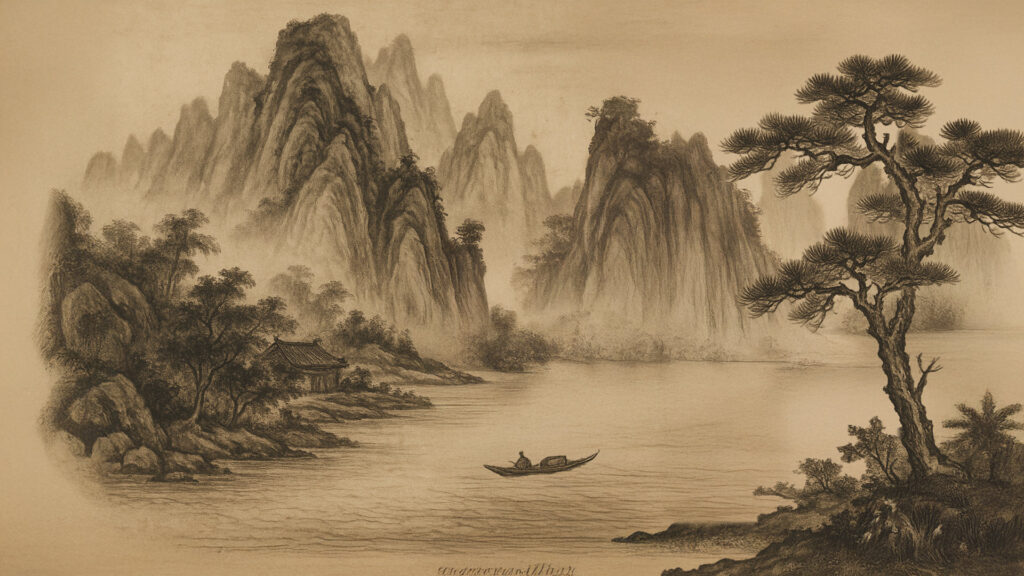
Then I played with the movement in space with all three layers by moving the background closer, moving the boat down stream and moving the tree -subtly- back and forth.
More exploration of After Effects space and how to move around in it tomorrow. However, I think I will focus on moving around a single image without the 3D effect but rather moving from one place on an image to another as done in some of the videos like the Shogun Title Sequence video.
Wednesday 09/24/2025: Creating a storyboard for the Panorama video
Although I did spend some time on learning more about space and movement in Adobe After Effects, I spent most of the evening working on a storyboard template for the Panorama videos. I created this storyboard in InDesign which is probably not the most common way to create on. One of my question for this week will be best “storyboard” software (Figma?).
Here is the storyboard template I created for the Panorama videos.
Tomorrow I will work on crafting a “large” image in Photoshop that I can import into After Effects and then pan around and try different movement on. This is another step in creating the 5-Beat Title Sequence Animation which I can already visualize as having the five beats as separate -yet connected by story- moving parts.
My goals is to create for the Title Sequence videos is to create a moving, flowing story that moves through the 5-Beat Sequence in a totally different way than that Panorama video with just flows across the screen. The Title Sequence video must be more dynamic. Both should be visually engaging as they tell the -short-story of an endangered species.
And I decided to add some audio to the Chinese Boat video. It was calling out to me : )
Thursday 09/25/2025: Playing with space in an image: wandering
Today I am working playing with space around a single image. I upscaled the original image below 2x for resolution and then started playing with how I might move around the image.
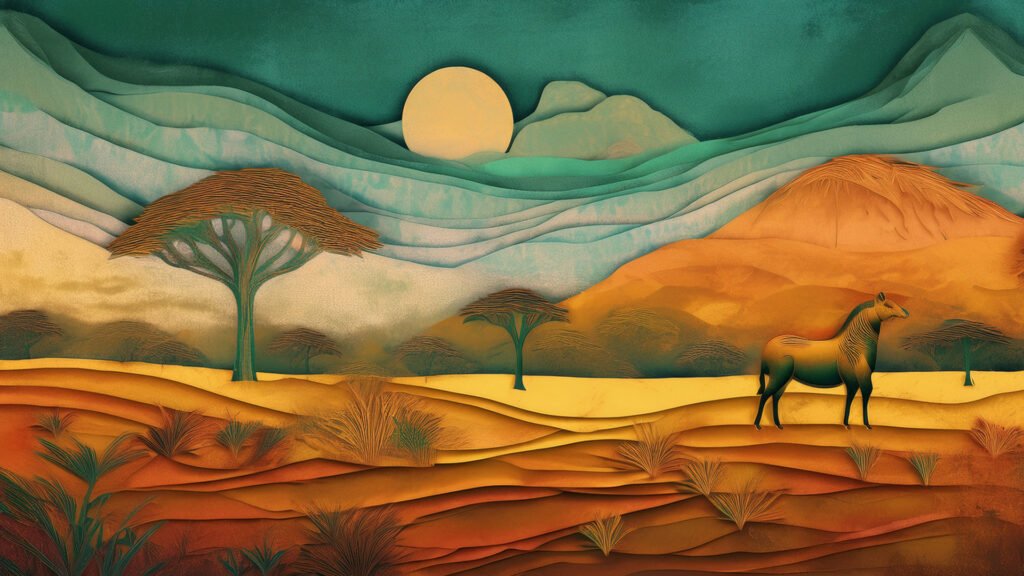
Here is a 60 second clip of just moving around the image and playing with space. The fact that I encoded it in 480p gave the trees some interesting effects without my help.
And since this is for Title Sequence Animations where each of the 5-Beats will only be around 9 seconds long, I created a 10 second version where I tried to jump around from different elements on the screen. Interesting to think about where the jumps should be, and where they should go to tell a story.
And considering there will be 5-Beats to the 1-minute Title Sequence Animation, how many should be jumps? How many should be pans or zooms? Interesting to start thinking about how to tell the story in “sequences.” But therein lies the name “Title Sequence Animations.” A bit more -ok a lot more- complicated than the Panorama style video, but with some really cool -unlimited?- possibilities.
The concepts of panning and showcasing a specific part of an image is reflected in The White Lotus Title Sequence Animation -though it is far more elegant than these starting motions. However, there are similar movements in both such as panning across a screen and focusing on a single object within a lager image.
I also like how The White Lotus Title Sequence used motion to direct the viewers attention to text. I think this could be very effective for the 5-Beat Title Sequence Animation videos I will be creating. Movement to a piece of text is a pretty cool concept which I look forward to discussing with you.