Week 3 Notes – Starting to assemble a 1-minute Panorama Videos
Monday 09/08/2025: Start the process of crafting the videos
So, my current view is that I need the following elements for a successful 1-minute endangered species Panorama Video:
1. The concept i.e. the endangered species the video will focus on.
2. The background image that will pan for the entire 60 seconds.
3. A few images of the species that will be the focus of the video (to puppet tool or Sora for movement).
4. The 5-Beat narration for the video (species & habitat; conservation status; species plight i.e. why is it endangered; cause of plight; what needs and / can be done to protect the species.
5. The audio track.
6. The 5 key text visuals -single words or phrases- that will highlight the narration.
7. The open and close – the consistent branding of the open and close of the video.
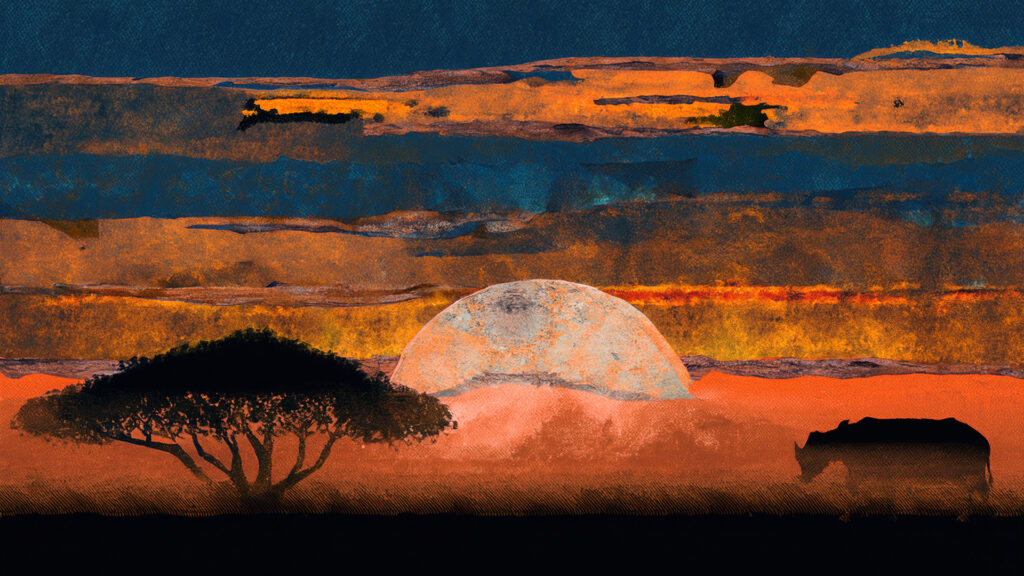
I like the image above, so I will use that as the background panning image. And since it looks to be set in Africa, and it looks like a rhino in the background -which three of the five remaining species are critically endangered- I will make the focus of this video one of the three endangered species of rhino which I will determine after a bit of research.
In my limited experience, I have found that a 1080×6000 pixel image works well for a 60 second video. But, in order to get guidance on this issue, I am going to upload three example of this background panning. One at 1080×3600 pixels; one at 1080×4800 pixels and one at 1080x 6000. I will use Photoshop’s ability to extend the images to these pixel lengths.
I will then take them into Premiere Pro and create a 1-minute pan for each of these three different widths. Even though these images will be created as 1920×1080 videos -with the variable widths- I am exporting them as 480p SD Wide for reduction of file size and playback on this website. I am exporting them in Adobe’s Media Encoder. I also made them 45 seconds in length to accommodate a 5 sec opening and a 10 second close for a total length of 60 seconds.
Video 3600
Video 4800
Video 6000
Well, in reviewing the pace of these videos, I am going with Goldilocks on the 4800 pixels which seems to have the perfect pace for a narrative; not to slow, not to fast, but just right. Interestingly enough, the 3600 pixel video is 22.3 mb and the 4800 pixel and the 6000 pixel are both 39mb (39/39.4). Can’t quite understand that little phenomenon.
So, this takes care of Steps 1&2. Tomorrow I will focus on getting rhino images that might work.
Tuesday 09/09/2025: Finding rhino images for video
My current process is (to be tweaked by my professor):
- craft initial image in Photoshop
- turn to greenscreen in Photoshop
- turn to transparent background in Photoshop
- create panorama in AE using 4800 pixel background
- add transparent rhino video to AE
- scale appropriately and place
- link to background with pick whip
- animate rhino head slightly with Puppet tool
- render as 480 HD wide video
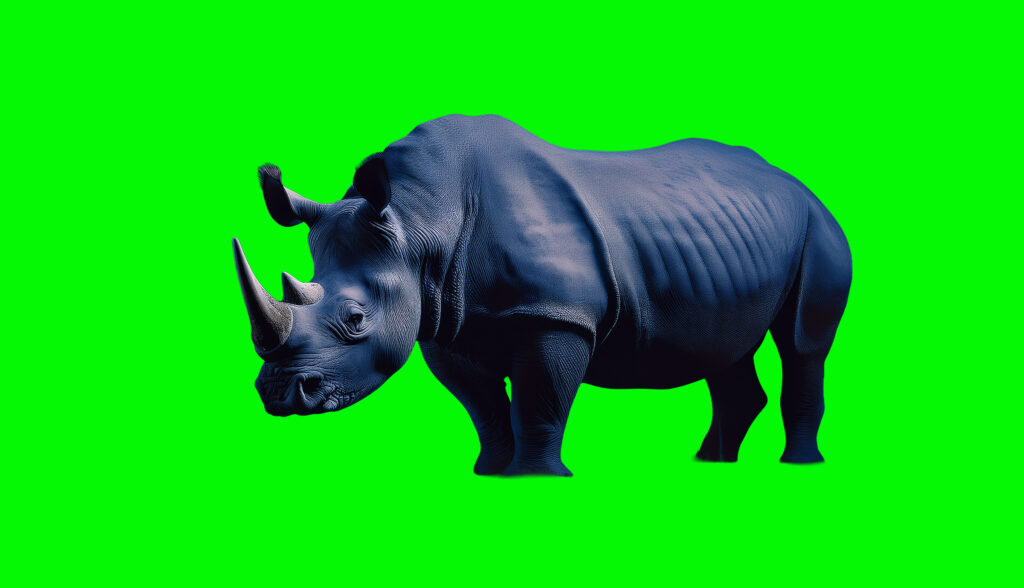
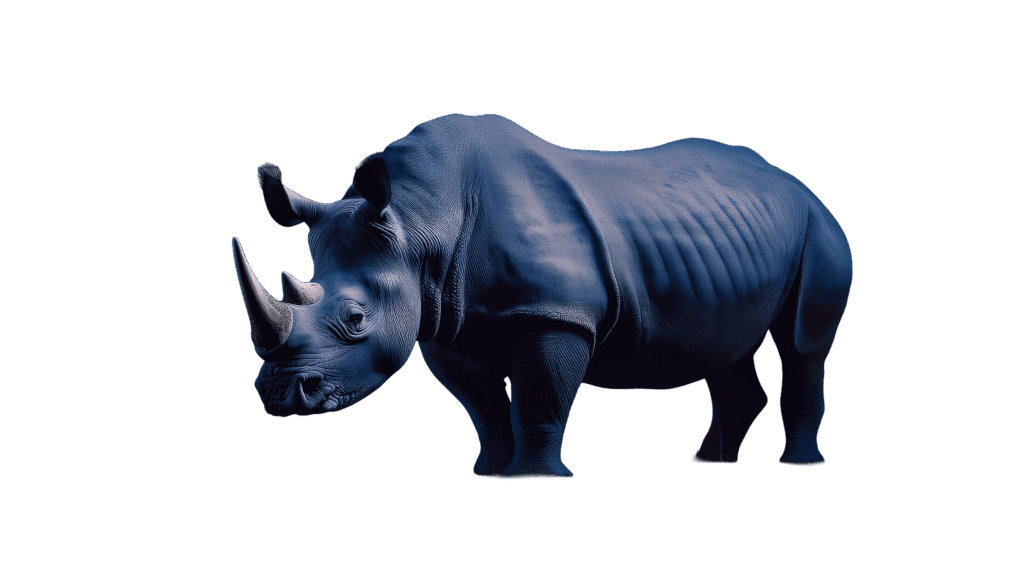
Not exactly the movement I wanted. Still not enough. Still awkward. Need lessons in puppet tool for sure. Also want to know:
1) how much movement is necessary to create a sense of movement
2) how many rhino images with movement are needed for a 1-minute video considering there will also be text on screen as well i.e. 5 Beats of text on screen in-between the species image.
And just for the heck of it I tried adding a Sora video overlay using the Roto Brush tool in After Effects. It is clear I even need more learning with that tool. And I also tried one with a “fade-in / fade-out which may in fact be a possible way to add movement in the early stages while I am developing my “movement” skills.
However, I do think with some coaching and practice, I can develop the necessary Puppet tool and Roto Brush tool skills to create simple, but effective moment in these 1-min Panorama and 1-min Title Sequence videos.
My questions for today are:
1) What is the best tool for crafting some basic animation to enhance the visual experience? The Puppet tool or the Roto-brush found in After Effects -using video from Sora- or is there another Adobe tool -since I’d like to stay with Adobe tools- to use like Adobe Animate?
2) What about fading the animals in an out as a way to start? Can that be effective or would it be too boring?
3) How much movement is actually necessary to enhance the visual experience considering there the background will be moving and text will be animated on the screen as well.
Wed 09/10/2025: Script and highlighted words for video
The goal is to have the 5 Beat message delivered in the 1-minute videos; both the Panorama and Title Sequence videos. The 5 Beats are:
1) The species and it’s habitat
2) The species conservation status – vulnerable; endangered; critically endangered
3) The species plight – habitat destruction; climate change; poaching; etc.
4) What can be done to help save the species – park rangers; less habitat encroachment; etc.
5) Why this will help – reinforcing that the action have value
These beats will provide both the narration for the video and the words used on-screen to highlight or emphasize the message of the narration.
Here is my 5 Beat narration for the Black Rhino:
Beat 1 – The Species & Habitat
The black rhinoceros, once widespread across sub-Saharan Africa, roams savannas, deserts, and scrublands. Known for its hooked upper lip, it browses shrubs and trees, shaping ecosystems through selective feeding.
Beat 2 – The Species Conservation Status
Today, the black rhino is listed as Critically Endangered. Once numbering hundreds of thousands, their population crashed to fewer than 2,500 by the 1990s. Recent conservation efforts have helped stabilize and slightly increase numbers.
Beat 3 – The Specie’s Plight
The species’ greatest threat is poaching for horns, driven by illegal markets in Asia. Habitat loss from agriculture and human expansion adds pressure, fragmenting their ranges and reducing genetic diversity.
Beat 4 – What Can Be Done to Help Save the Species
Stronger anti-poaching patrols, translocations to secure reserves, and community-based conservation programs protect rhinos. Engaging local people with economic benefits tied to wildlife helps build guardianship over habitats.
Beat 5 – Why This Will Help the Species Survive
Protecting the black rhino safeguards biodiversity across African landscapes. Their survival ensures healthier ecosystems, supports eco-tourism economies, and symbolizes global commitment to defending species against extinction pressures.
Here are my thoughts on the 5 Beat words or phrases that could accompany the narration. And since the open will -I think- have the species name, I am starting with the species habitat.
Beat 1: Roams African savannas
Beat 2: Critically Endangered
Beat 3: Poaching for horns; habitat encroachment
Beat 4: Anti-poaching patrols; guardianship
Beat 5: Protects biodiversity; supports eco-tourism
So, my questions here are:
1) what kind of fonts should I use? Serif or sans-serif
2) how should the words appear? fade in? move on the screen?
3) what size should the word be? large screen-size fonts; all the same?
Tomorrow I will work on the narration and sound bed tracks. And Friday on the open and close after discussion on the best way to open and close. I can then assemble the video over the weekend and have it posted for Monday when I can start on the Title Sequence video.
And just for the fun of it to start playing with it:
Thurs 09/11/2025: Script and highlighted words for video
DONE: 1. The concept i.e. the endangered species the video will focus on.
DONE: 2. The background image that will pan for the entire 60 seconds.
DONE: 3. A few images of the species that will be the focus of the video (to puppet tool or Sora for movement).
DONE: 4. The 5-Beat narration for the video (species & habitat; conservation status; species plight i.e. why is it endangered; cause of plight; what needs and / can be done to protect the species.
DONE: 5. The audio track.
DONE: 6. The 5 key text visuals -single words or phrases- that will highlight the narration.
7. The open and close – the consistent branding of the open and close of the video.
So, what’s left is working on the open and close, and this one sort of baffles me. Should the Panorama video intro start off with just text? Should it start off with an image of the species? Should a branding text line be included? And for the outro, does it have a repeatable tagline? I’m sure here is where the credits and call to action go i.e. go to this website or product page. Whichever is the right way to go, the goal is to have something repeatable for both ease of editing and branding. But, the opening needs to be compelling or the viewer is lost at the gate.
Here are a few examples of both:
Shogun: It starts with mostly graphics but does have very subtle text. I can see this style being used in the main body of the Title Sequence Animation videos more than the Panorama videos. This Title Sequence is very straight forward without a lot of complicated video effects. But is VERY effective and beautiful. I would love for my Conservation Title Sequence videos to get to this level of production.
Inception: Very few Title Sequence Animation clips I found start ONLY with text. Almost all have a limited amount of text but are accompanied by either simple or more complicated motion graphics. The Inception clip does start with text only. I can see where too much text before some graphics could loose the viewer unless the text was very compelling text.
So, I am trying the opening with a little text and a little motion graphic. This is just a place to start until I get some coaching on this. I think it has potential…but I could be wrong : ) And the Panoramas are not designed to “rock” someone’s world. The goal for the Panoramas is to be visually engaging and provide just enough information about a species to peak someone’s interest in the species or to want to learn more. The 1-minute Title Sequence Animations are to be designed to do a bit more “rockin.”
I am looking forward to getting -(a lot of ) coaching on this : )